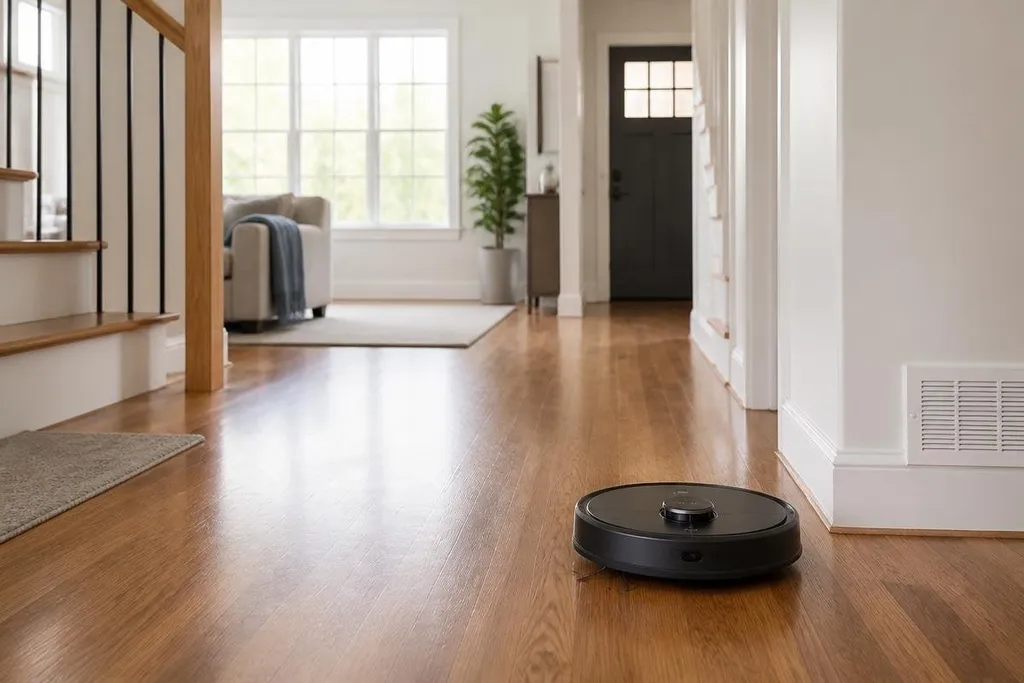
A robot vacuum can clean a floor while nobody is home. Delivery robots can move a meal across a site without asking a person to make the trip, showing how service robots now handle small tasks in homes and public places.
Quick read
- Routine jobs move from people to machines
- Sensors and remote help still set clear limits
The jobs service robots handle
Service robots work around people instead of inside a factory line. They clean floors, carry items, guide visitors, deliver food, inspect spaces, or help staff move supplies.
The task matters more than the shape of the robot. A low machine with wheels suits a flat floor, while a robot with an arm may pick up objects or open a door. Some systems stay in one area. Others use cameras, LiDAR, or other sensors to build a map and choose a route.
That changes a daily routine in small steps. A person may set a cleaning schedule, load a delivery tray, or ask for help when a robot stops. The machine handles the repeated movement, while a person deals with exceptions.
Why the change is useful
Repeated work takes time because it happens again and again. A robot can run the same route or task without asking staff to leave another job, which matters in a hotel, hospital, store, or large home.
The benefit depends on the setting. A robot vacuum needs open floor space and a clear path to its charging dock.
A delivery robot needs doors, lifts, ramps, and a safe way to hand an item to a person. If the building lacks those conditions, the robot may add work instead of removing it.
Service robots can also make some places easier to use. A machine that carries supplies may reduce walking for staff. A robot that guides visitors can repeat the same directions, while a person remains available for questions that need judgment.
The result is a change in who does what. People still set the rules, check the machine, and take over when the task falls outside its training.
The limits people notice first
Robots work best when the task stays within a narrow set of conditions. A chair moved into a known path, a crowded hallway, a dropped item, or a closed door can stop a system that worked well an hour earlier.
Remote support can help, but it adds a person back into the process. A worker may need to approve a route, move an object, or guide the robot through a hard section. That handoff can be useful, though it means the machine has not removed the task in full.
Privacy also needs attention. Cameras and microphones can collect information about rooms, workers, or visitors. You should know what the robot records, where the data goes, and how long the company keeps it before bringing one into a home or workplace.
Coverage of service robots at Robot24.com can place each machine beside the company and software behind it, giving you a clearer basis for judging its daily task.
I’d judge a service robot by the task it finishes without extra work, not by how human its body looks.
A practical way to judge one
Use this checklist before you buy or approve a service robot:
- Name the task: Write down the exact job, location, and times it must handle.
- Check the setting: Measure doors, floor edges, lifts, charging space, and places where people gather.
- Ask about handoffs: Find out who helps when the robot stops and how long that help takes.
- Read the data rules: Check camera use, storage, access, deletion, and internet needs.
- Price the full setup: Include charging gear, software fees, repairs, staff time, and training.
This process keeps the decision tied to daily work. It also exposes cases where a simpler tool, a better layout, or a person doing the task still makes more sense.
What happens next
Service robots will spread through tasks that are repeated, easy to describe, and safe to check. The open question is how much human support each job will still need once the robot meets a real home, shop, hotel, or care setting.